Tools I use
A collection of hardware/software/thingamajig I use on a daily basis. Inspired by the uses.tech community.
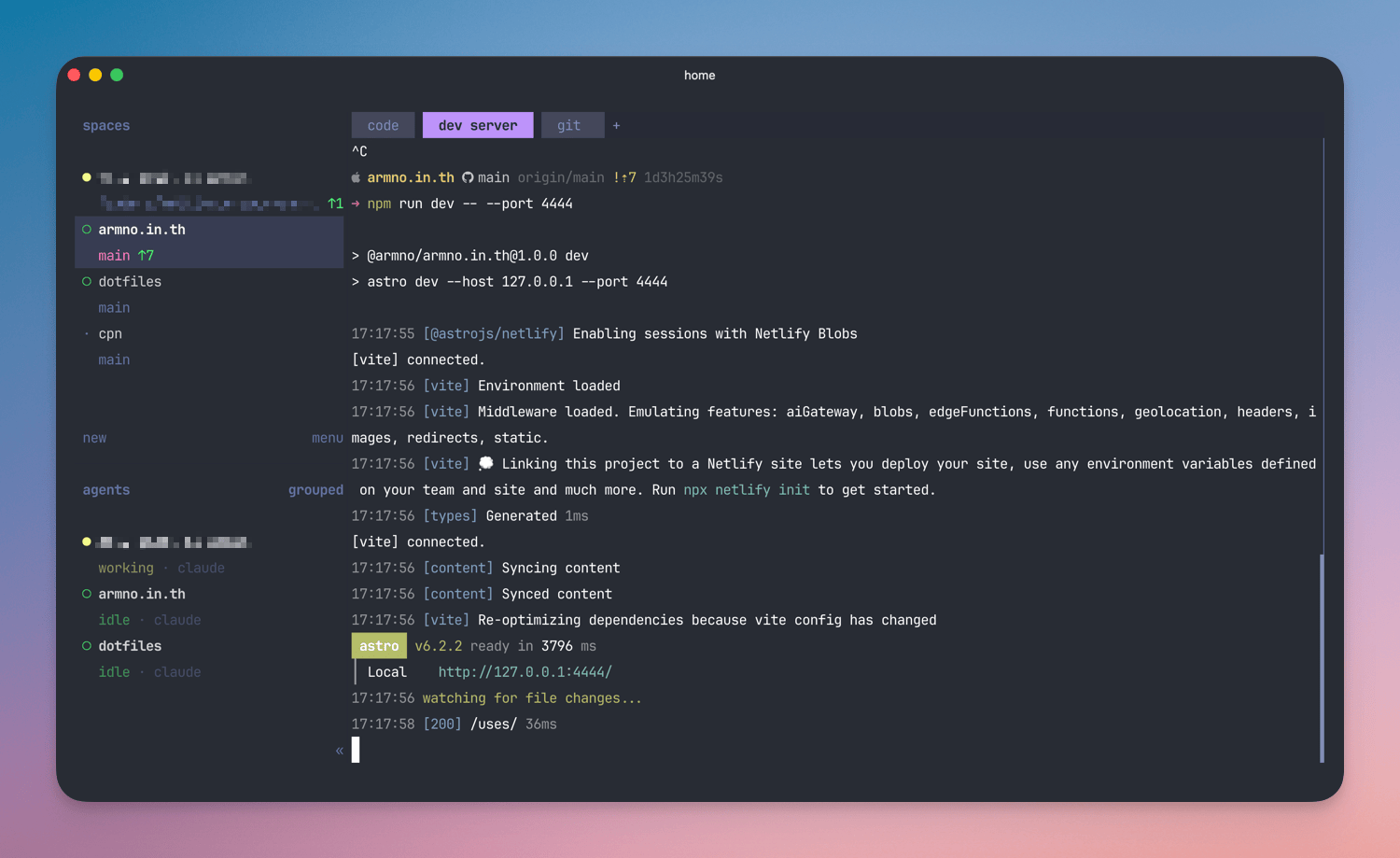
Terminal: Ghostty & Herdr
I need my terminal app to be 1) fast, 2) reliable, and 3) beautiful at rendering text. Ghostty checks all the boxes.
Inside Ghostty, I use Herdr, which is like tmux with modern upgrades. I usually have only 1 terminal window running Herdr. Everything else lives inside it: spaces, tabs, the agents list.
In both the terminal and the editor, I use JetBrains Mono.
Coding Agent: Claude Code
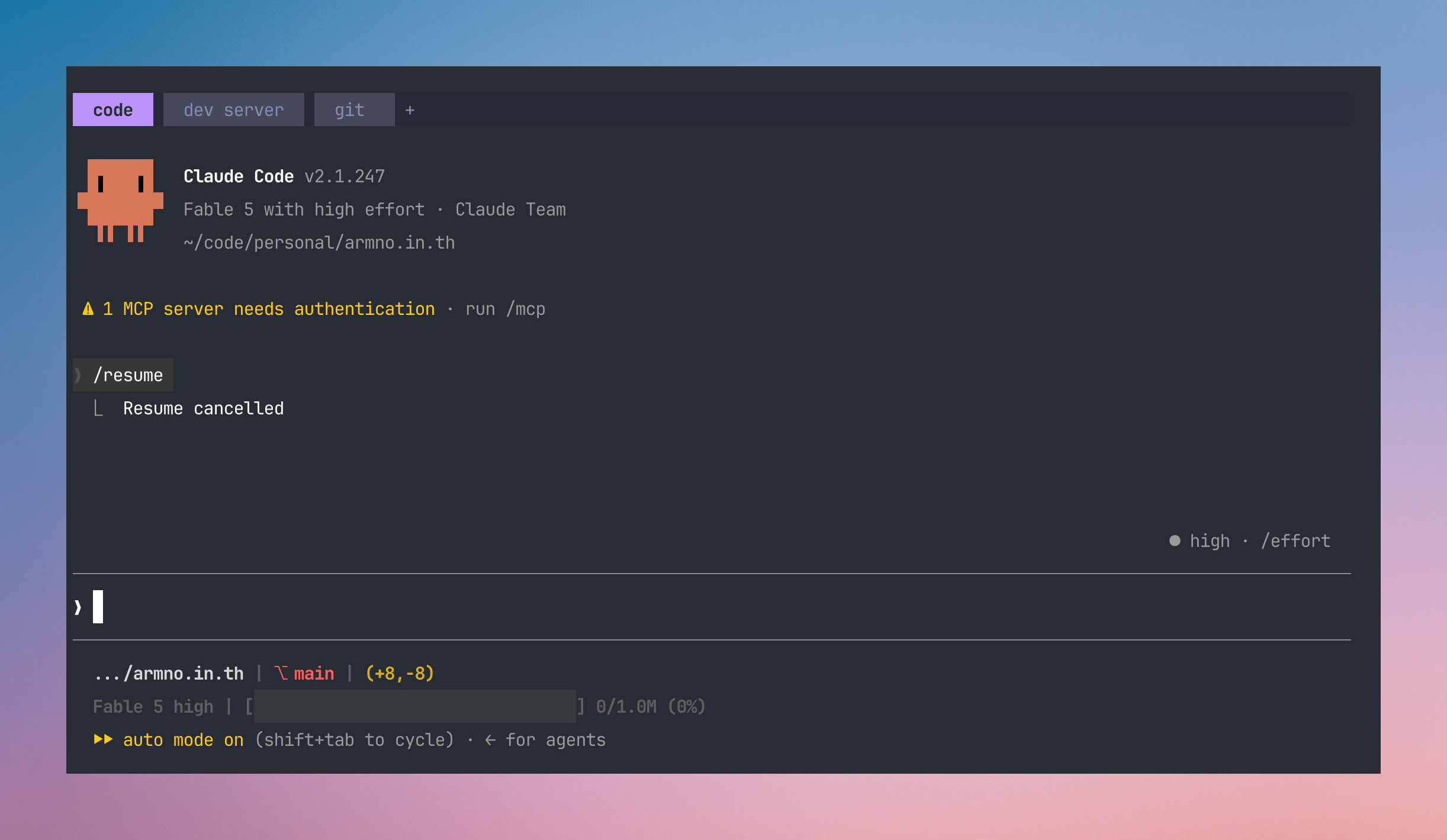
Claude Code is what we use as a team at work. I usually use the latest and smartest models available. I don’t have a lot of plugins and skills installed. Only the ones I actually need.
I also like to check out OpenCode from time to time. I like watching how it evolves.
Diff tool: Hunk
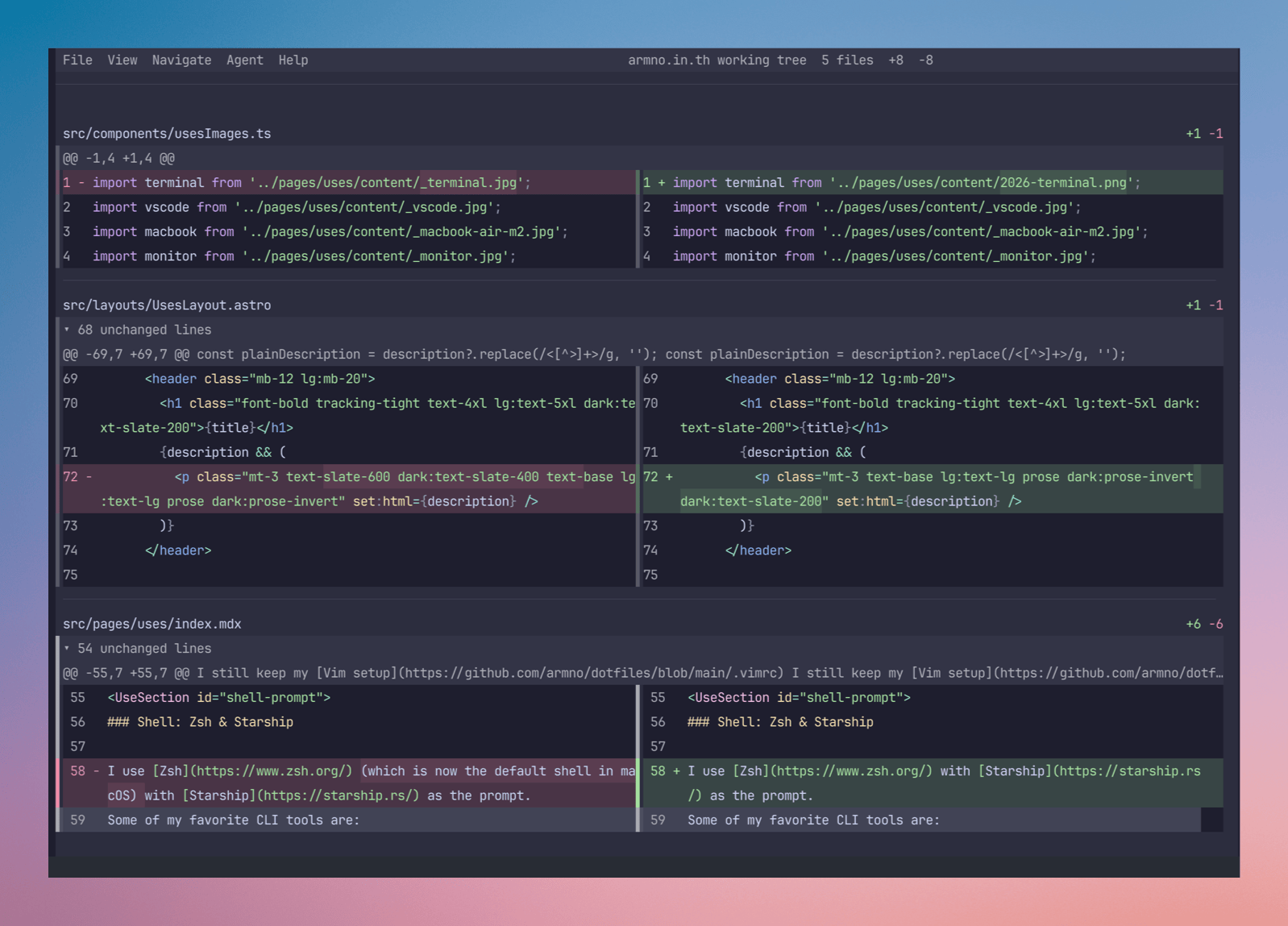
Reviewing changes made by the AI Coding Agent is important. I mainly use Hunk to view the Git diffs. Hunk comes with:
- beautiful syntax highlighting
- responsive layouts - display horizontal or vertical diffs automatically based on available space
- the ability to leave code review comments in the diff, so my coding agent can pick them up and fix the issues.
I still reach for plain git diff for small changes.
Editor: VSCode & Zed
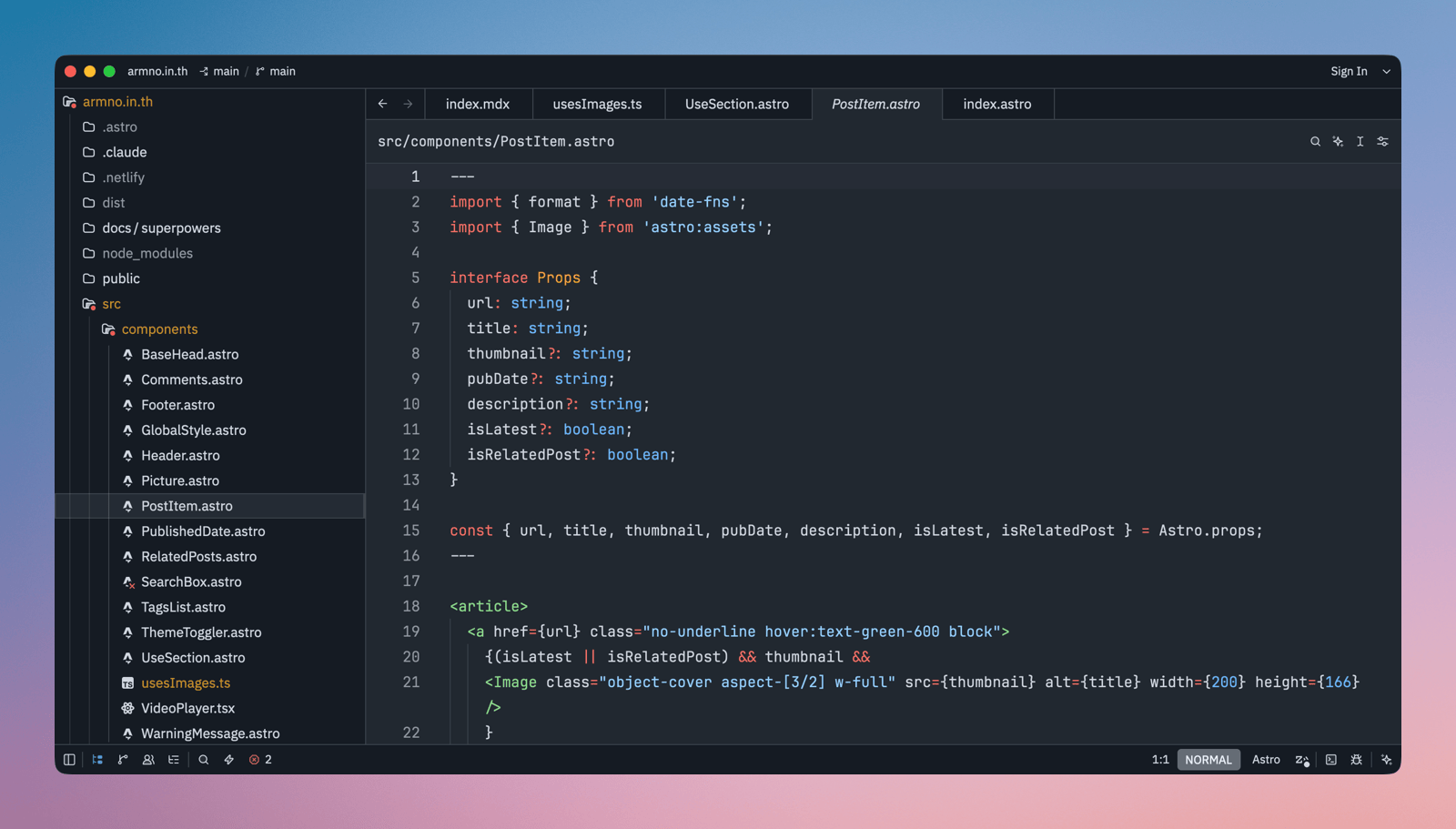
I still need a code editor to read and make small changes to the code. Currently, my main editor is VSCode.
Sometimes I switch to Zed. Zed is very fast out of the box and keeps getting better. It’s just too good to ignore.
I still keep my Vim setup for quick file editing in the terminal.
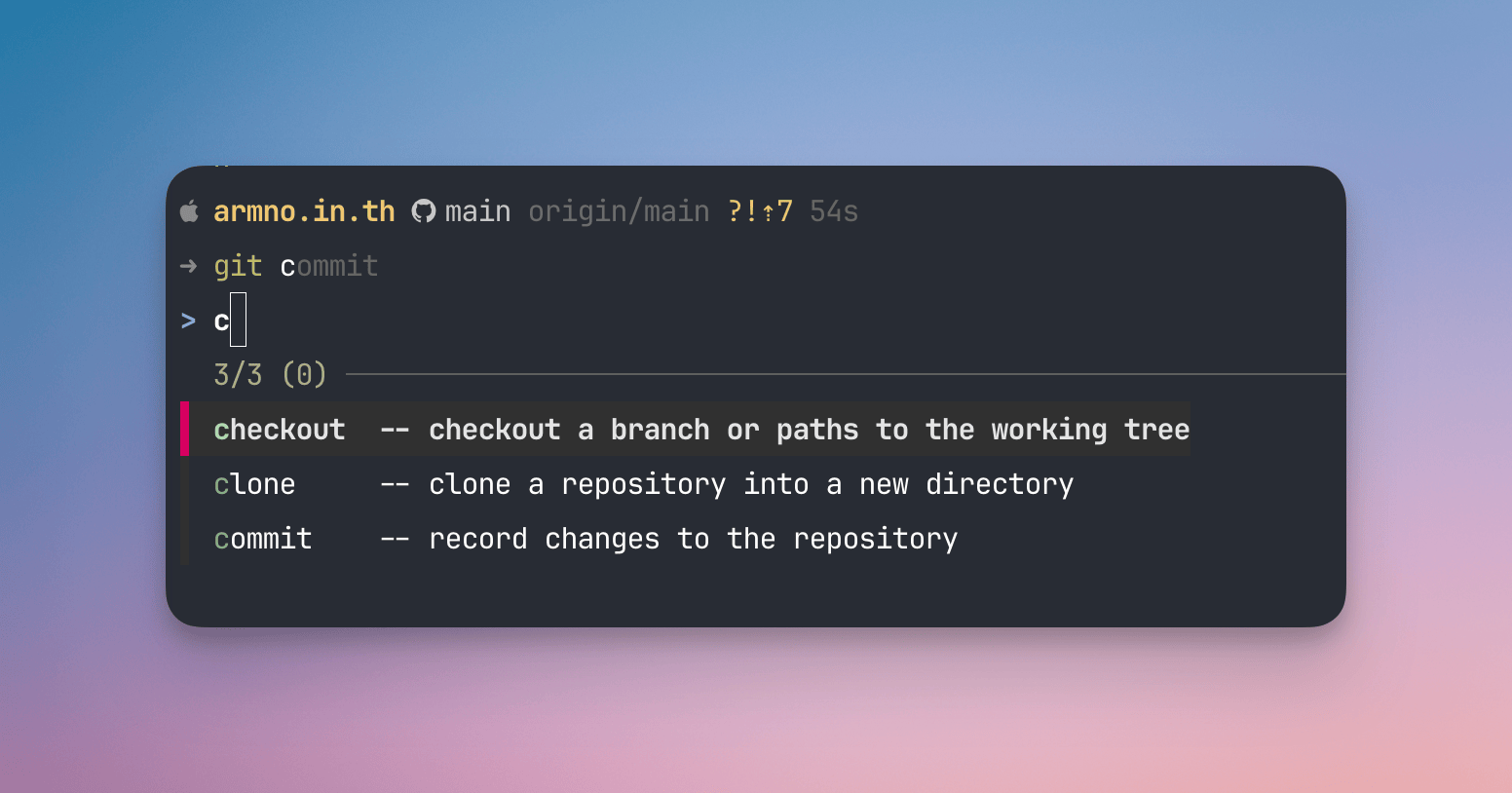
Shell: Zsh & Starship
I use Zsh with Starship as the prompt. Some of my favorite CLI tools are:
- zoxide for fast directory switching (replaces
cd). - fzf - a command-line fuzzy finder. Many other tools I use are built on top of it.
- fnm - fast node (version) manager. If you’re still using nvm, try this. You’re welcome.
- eza replaces
ls. - bat is an upgraded version of the
catcommand.
I keep my dotfiles repo maintained.
Browser: Helium & Chrome
Helium is my browser-browser, while Chrome is my dev-browser.
Helium is like a barebones version of Chromium, without all Google stuff. It’s fast, minimal, and privacy-focused. It breaks sometimes though.
I use Chrome strictly as a development browser. I let Claude use Chrome via its MCP so it can go nuts with it.
Graphics: CleanShot X & Pixelmator Pro
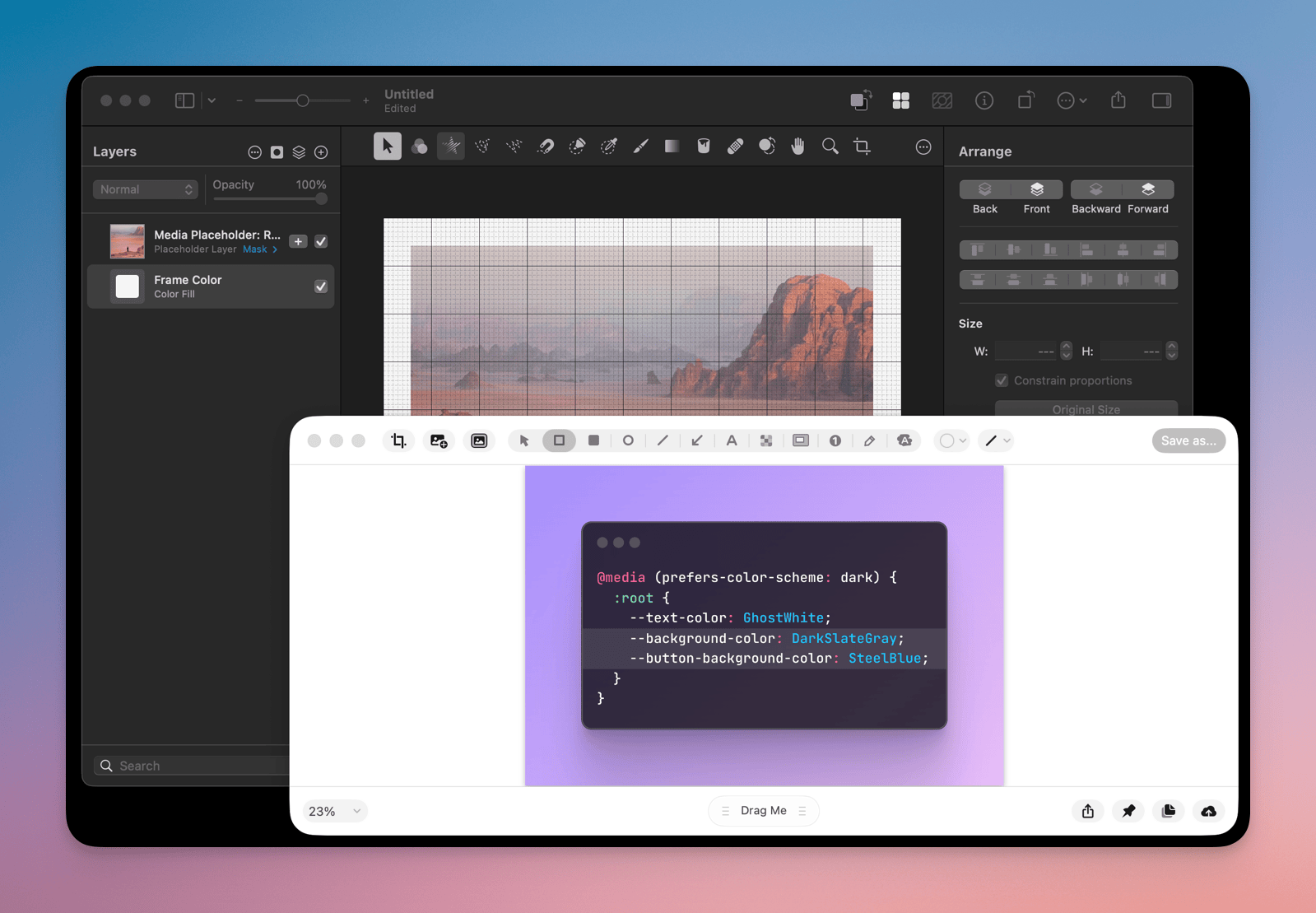
CleanShot X is one of my favorite Mac apps ever. I use it for:
- screenshot capturing & annotation
- screen recordings
- OCR sometimes
For more serious photo editing, which I do once in a while, I use Pixelmator Pro - the old version, from before Apple acquired them.
Productivity: Raycast & Karabiner-Elements
I use Raycast as a Spotlight replacement (I wrote about Raycast in “Things I like about Raycast”) with a few extensions. I heavily use the clipboard history and Bitwarden extensions.
Karabiner-Elements allows me to do things quickly with keyboard shortcuts. It’s painful to set up. So I copied the system from Maximilian Stoiber and adjusted it. Works on both my Corne keyboard and the built-in MacBook keyboard.
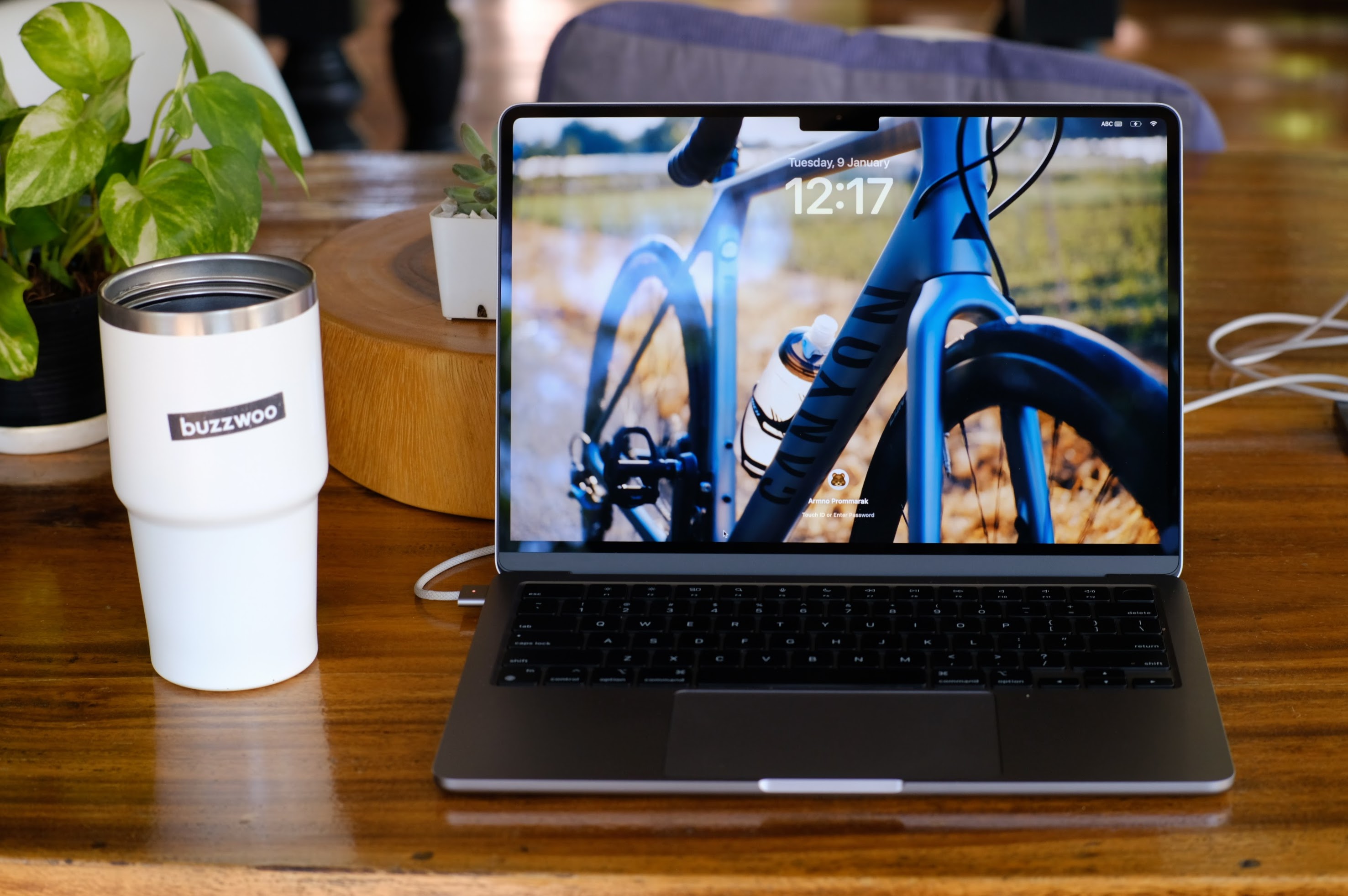
Computer: MacBook Air M2
It’s my work machine from the company. It’s a regular M2, upgraded to 16GB of RAM and a 512GB SSD.
When I feel like using an external keyboard, I connect it to my Corne split keyboard (build log here: Low Profile Wireless Corne Keyboard).
For a mouse, I use a Ugreen Bluetooth mouse. Nothing special with it except that it is silent, which is all I need from a mouse.
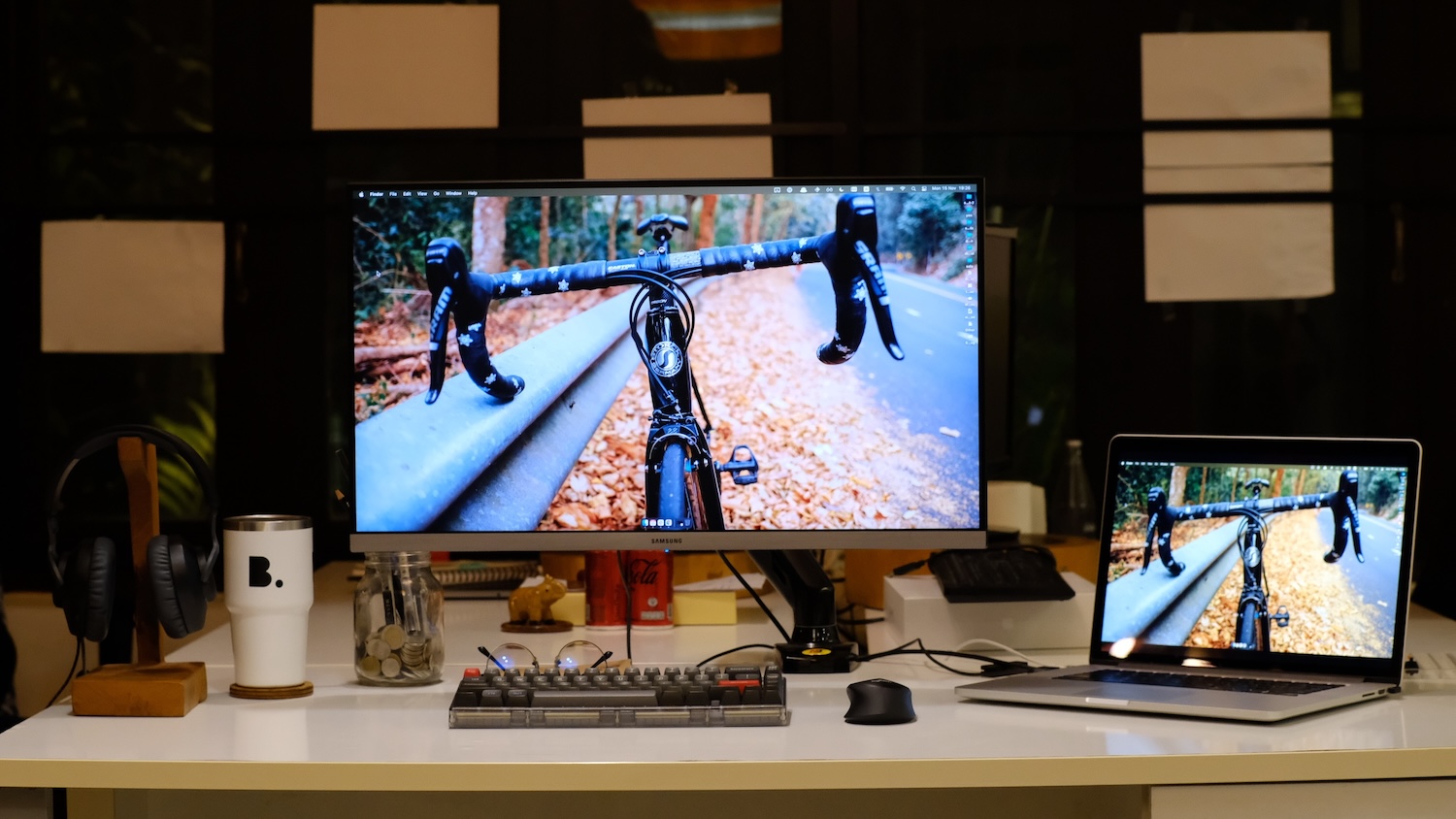
Monitor: Samsung 28” UR55 UHD 4K & Monitor Arm
I picked Samsung UR55 because of its IPS panel (and it was on sale). 28 inches is a perfect size for me. Not too big or too small. I mount it with an NB-F80 monitor arm to gain some space on the desk.
Headphones: Sony XM4 & AirPods 4
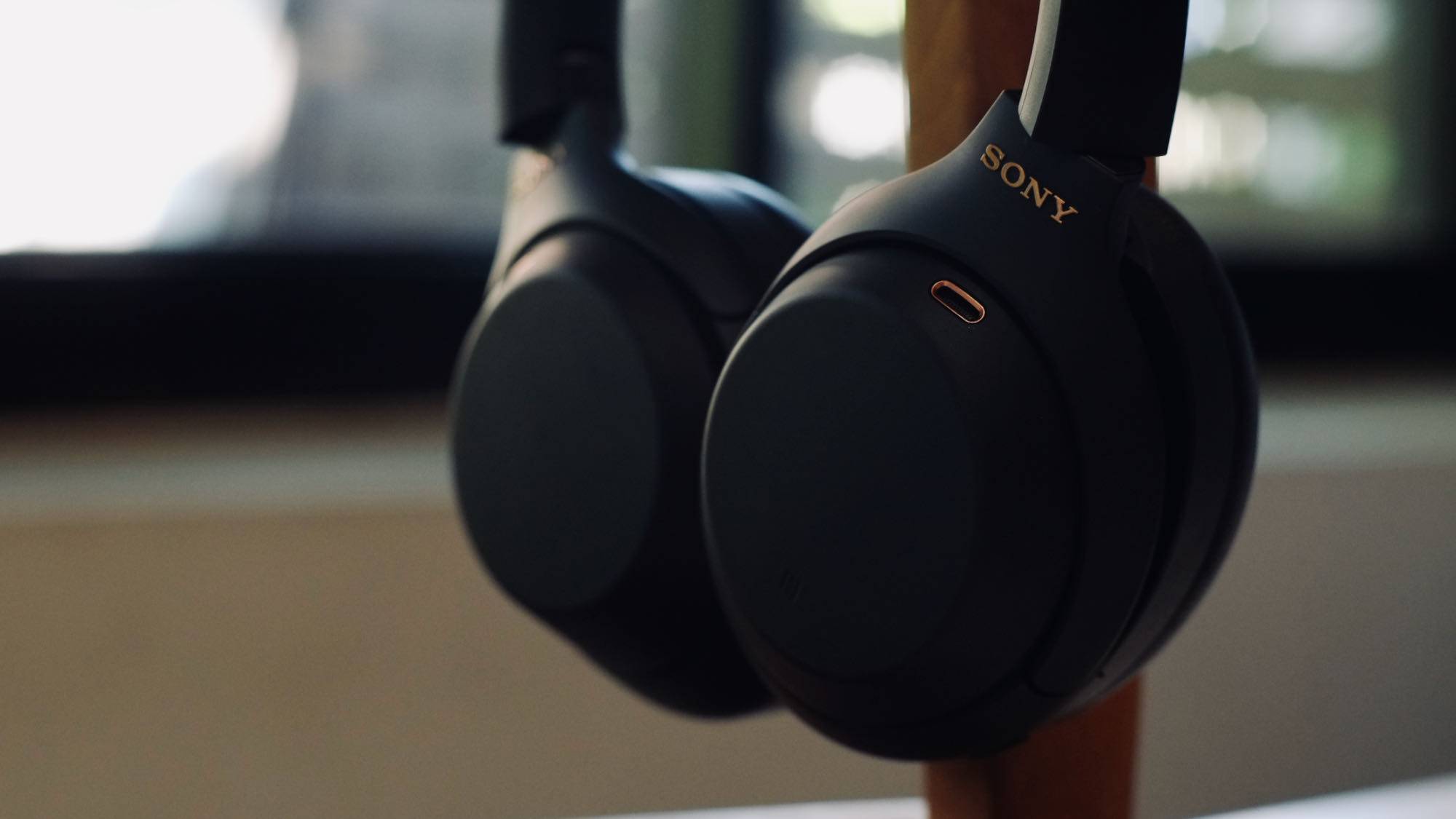
My main headphones are the Sony WH-1000XM4 and the AirPods 4 ANC. The XM4s are for music listening. The AirPods are for everything else.
Both have great active noise-cancelling, which I cannot live without these days.
Other stuff
Not really related to my work, but things I use frequently that are worth mentioning here.
- Watch: Hamilton Khaki Field Auto 38mm. I’m not a watch person. This is my first (and only) mechanical watch. I wear it every day since day one. Totally love it.
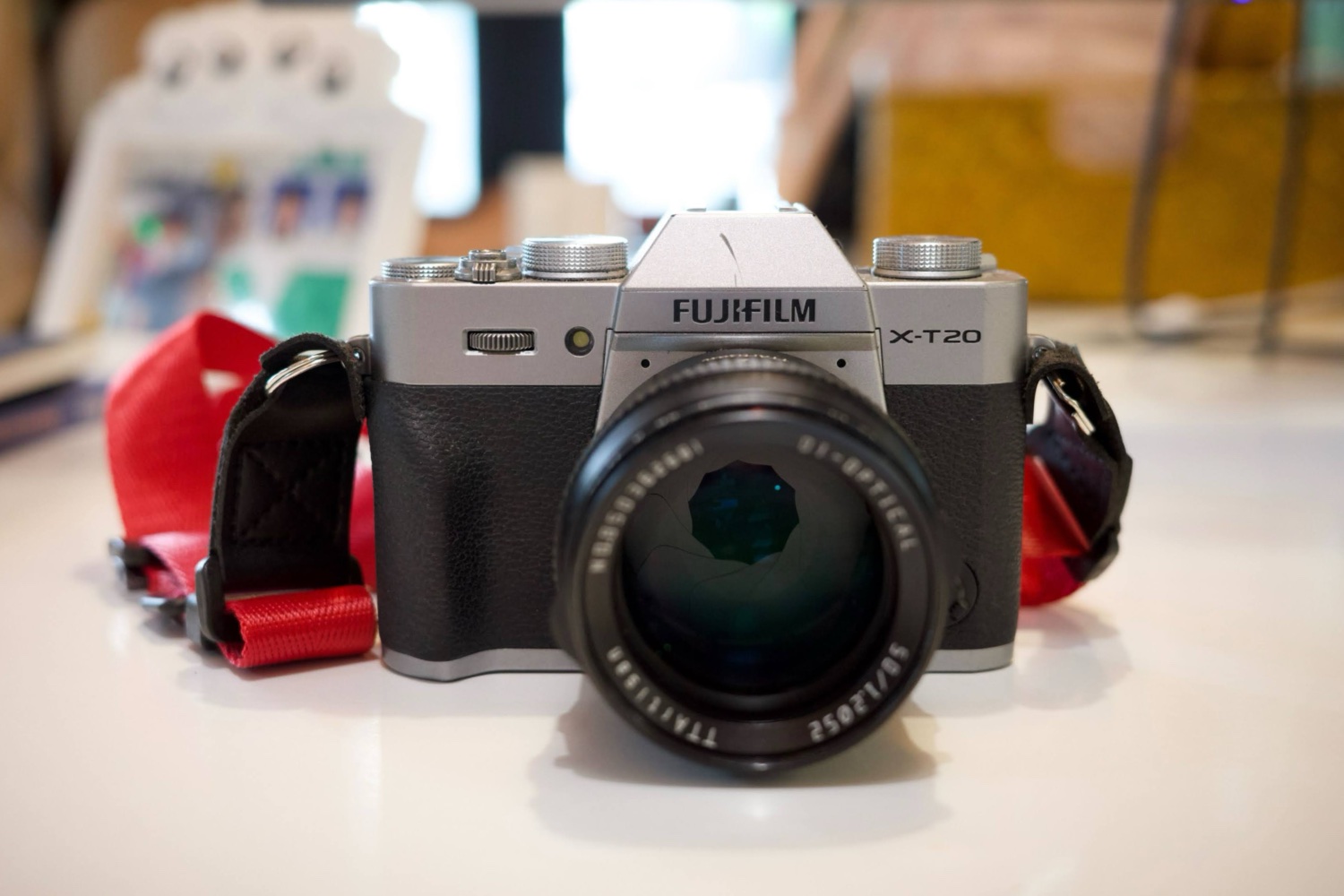
- Camera: Fujifilm X-T20. I have a few lenses around it. My favorite lenses are the TTArtisan 50 f/1.2 and the Fujifilm XC 35mm f/2.
- Bike: 2016 Lapierre Xelius SL. I do road cycling sometimes. It’s my main sport hobby at the moment. I also use the bike for commuting to work if time and space allow.
- Car: 2024 XPENG G6 (EV). My daily driver (or I’m actually the car’s daily driver?). I’ve been using this car since 2025 and totally love it.
Alumni
Things I enjoyed using in the past, but are no longer in my current setup.
- iTerm2 - my go-to terminal app for many years. Replaced by Ghostty.
- Kitty - another GPU-accelerated terminal app. Fast, but its text rendering never looked as good to me.
- Arc - was my main browser for quite a while.
- Cursor - replaced by Claude Code + VSCode.
- 1Password - I was a big fan until they bumped up the price. It is too expensive for me.
- delta - a terminal diff tool.